
01 / 23 · OH_ PLUGIN
Astigmatism GPU · Metal / CUDA
Night lights seen through astigmatic eyes. Every light becomes a bundle of thin streaks.
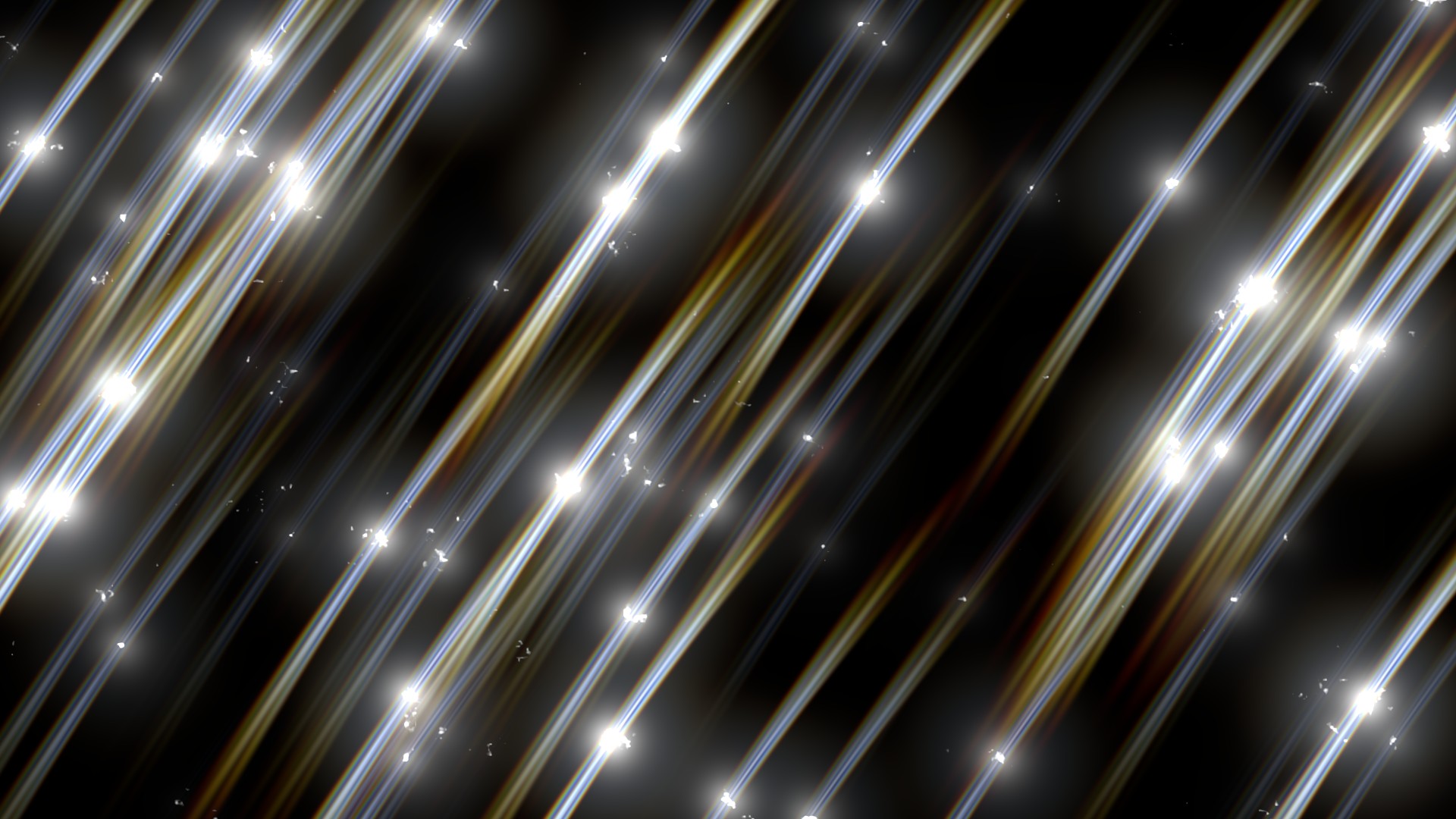


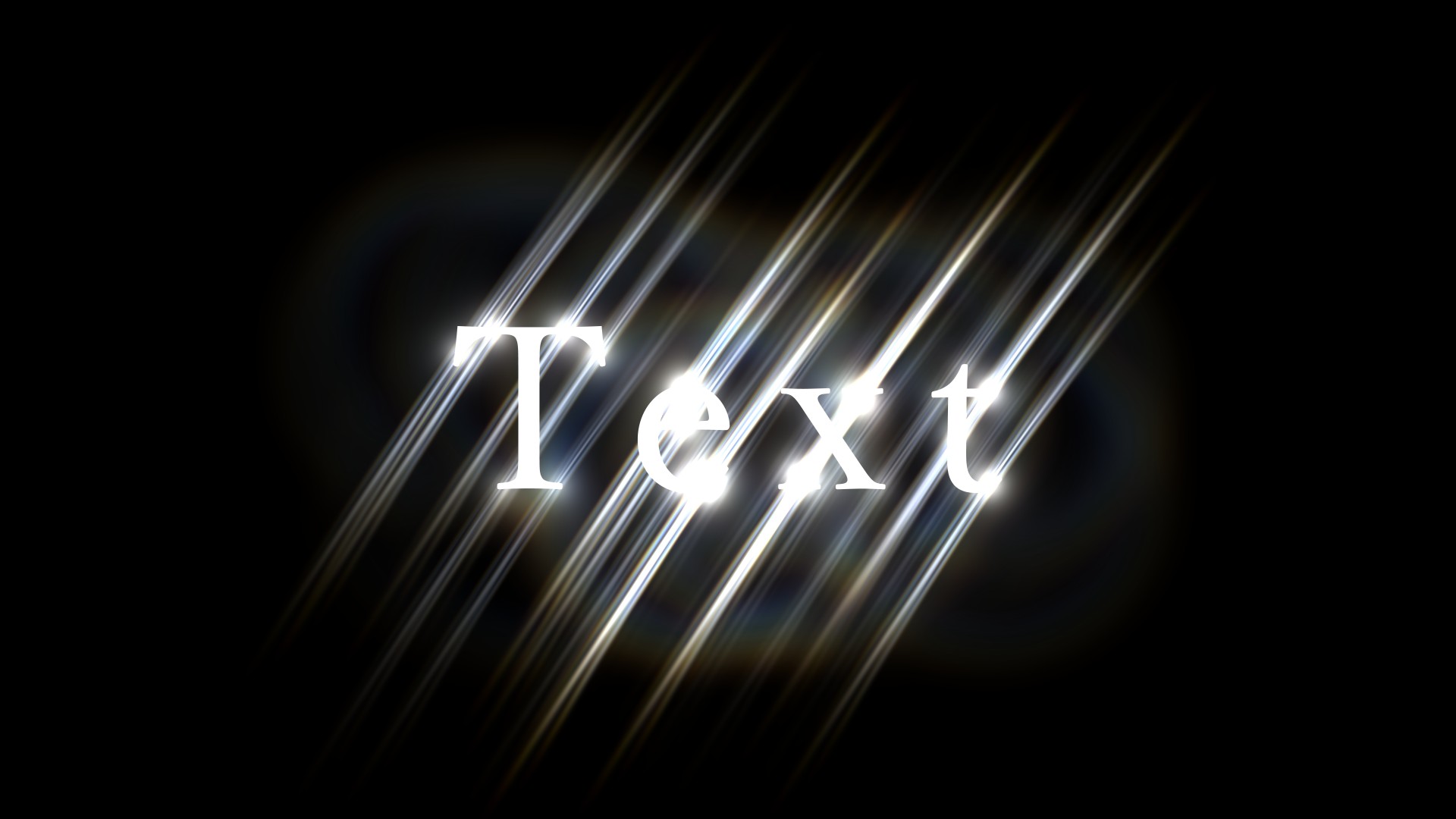
Stretches the lights in your image, such as city lights at night or stage lighting, the way they look to an astigmatic eye. It picks up only small light sources rather than every bright area (Source), turns them into thin streaks along the Angle direction that fan out and fade toward the tips, and adds fine light fibers (Irregularity, Bend), rainbow fringing (Rainbow), a faint ring (Halo Ring) and a soft glow. Renders on the GPU with Metal on Mac and NVIDIA CUDA on Windows.
Parameters
The same order as the Effect Controls panel. Hover (or tap) an item for its description. The sliders move too (the picture doesn’t).

—
Hover a parameter and its description appears here.
Tips
- If too many lights get picked up, raise Threshold or lower Light Size to narrow down the sources; you get a cleaner look where only the light sources stretch.
- Count = 2, Spread 5-8° and Irregularity around 60% gives the astigmatism look. Set Count to 4-6 for a star-filter look.
- GPU rendering is used automatically whenever After Effects renders on the GPU (Mac: Metal, Windows: NVIDIA CUDA).