
12 / 23 · OH_ PLUGIN
MV Bubble
A speech bubble for music videos that stretches to fit your text.
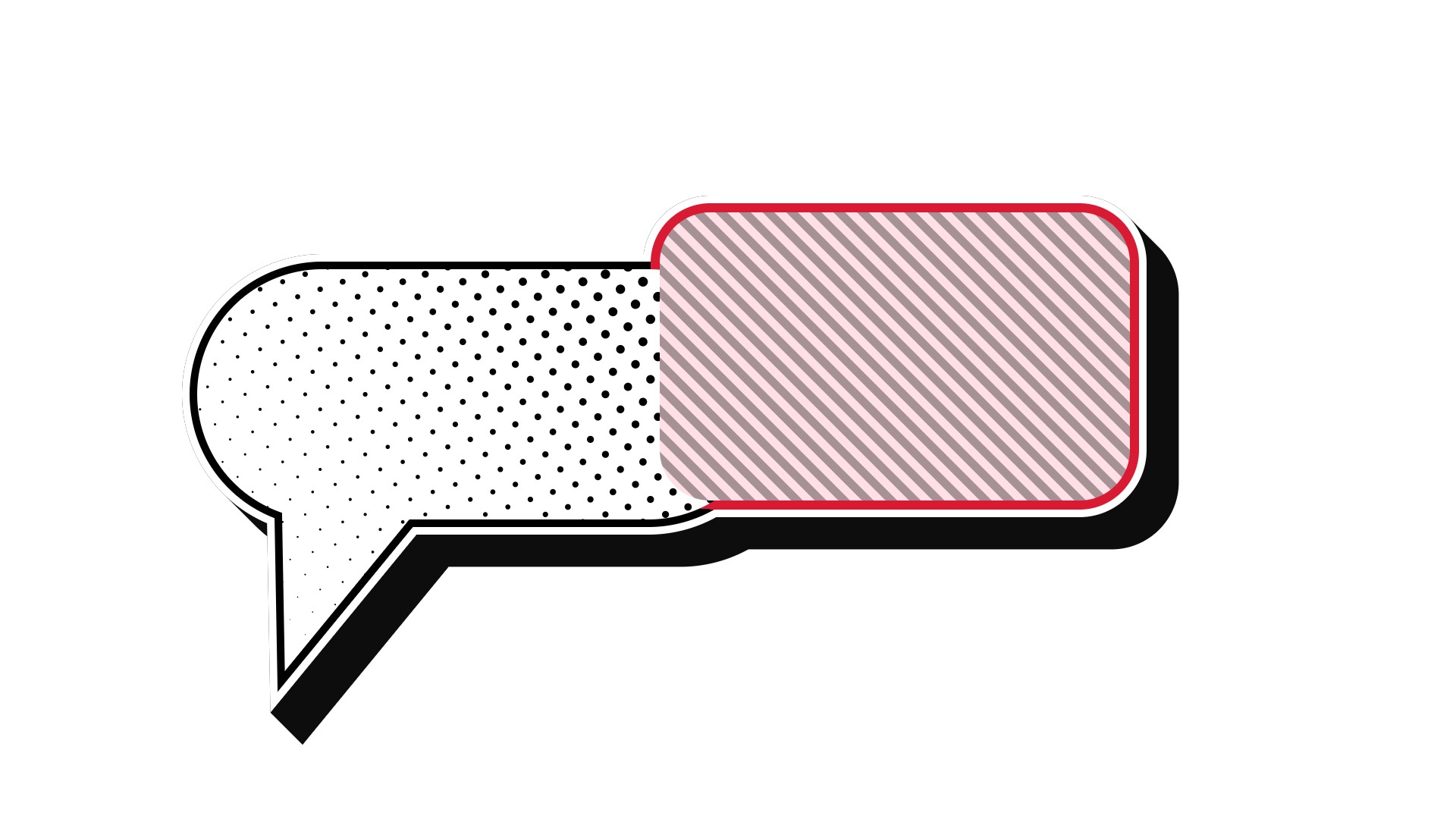
A speech bubble whose tail slides along the outline. You can add two borders, stripes or halftone dots inside, and a long shadow. Applied to a text layer, it is drawn behind the text and sized to fit it (Fit Timing can lock the size so the bubble doesn't stretch and shrink during a typing animation). Applied to a solid, you set the size by hand with Position, Anchor, Width, and Height. Put several on the same layer and all of them show; those with Merge with Others ON join their bodies into one shape, with the borders running around the outside only.
Parameters
The same order as the Effect Controls panel. Hover (or tap) an item for its description. The sliders move too (the picture doesn’t).
—
Hover a parameter and its description appears here.
Tips
- For a typing animation, set Fit Timing to Lock at Last Frame. The bubble stays at its final size while the characters type in.
- Duplicate the effect (Ctrl/Cmd+D) and shift Position to get two bubbles joined into one shape. Change Fill Color on just one to color them differently.
- Border 1 black and Border 2 white gives the classic pop outline that stands out on any background.
- With several bubbles, the Text, Follow Layer Transform, and Fit Timing settings come from the bottom-most MV Bubble (they are grayed out on the ones above it).